


How to install wallpaper images on PC or Mac.
Gummi Bears
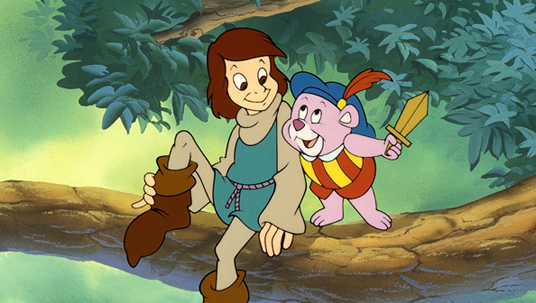
Wallpaper: 1680×1050 • 1600×1200 • 1440×900 • 1400×1050 • 1280×800 • 1024×768
Cover Photo: Facebook • Twitter

Darkwing Duck
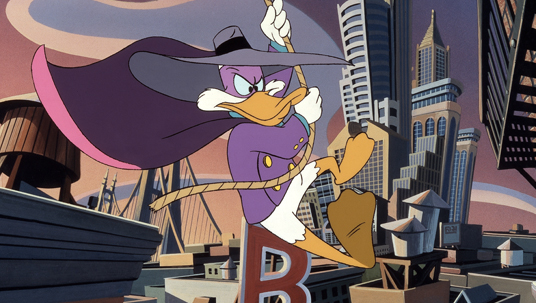
Wallpaper: 1680×1050 • 1600×1200 • 1440×900 • 1400×1050 • 1280×800 • 1024×768
Cover Photo: Facebook • Twitter
How To Install Wallpapers
On a PC: Click on a link below image. Then right-click on the picture and choose “Set As Background” or “Set As Wallpaper.”
On a Mac: Click on a link below image. Then right-click or Control-click on the picture and choose “Set as Desktop Background…” or “Use Image as Desktop Picture.”